

A customer opening a company profile wants to learn what you do, where you work and whether your past work resembles their job. If those answers are buried under broad claims, they have to guess. You can make the page useful with the fields already in your Dr. Octopus business account: a short introduction, a fuller bio, specific services, location details and relevant images.
Quick Answer: What Makes a Strong Business Profile?
A strong service business profile names the work you actually take on, shows your city or region, and uses a few real examples of that work. Add a readable logo, a short introduction, a useful bio and accurate service cards. Check the page on a phone. If you add a contact number, make sure someone can answer it. Customers should be able to tell whether a request fits your business before they contact you. A complete page does not guarantee a ranking, lead or quote.
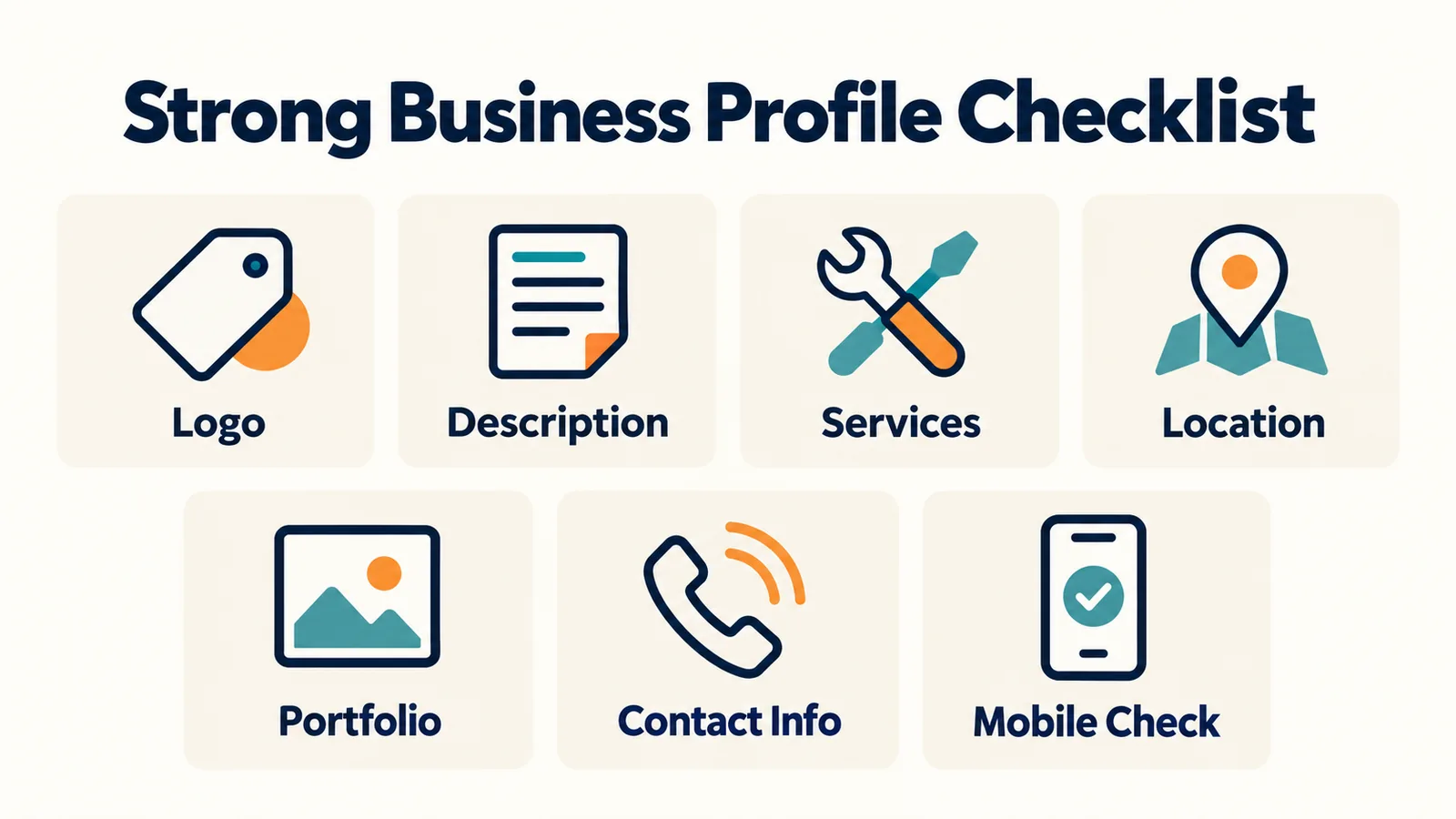
1. Use a Business Name People Will Recognize
Enter the name customers will see on your quotes, invoices and existing website or social pages. A name like “Best Cheap Plumbing Renovation Cleaning Toronto GTA” makes a customer wonder who is actually behind the page, unless that truly is your business name. Consistency makes it easier for someone who already knows you to recognize the right company. You can edit the company name in your business profile; proofread it before saving.
2. Give the Logo and Header a Job
The public page supports a business logo and a header image. A square logo with readable shapes usually survives the small circular display better than a screenshot with tiny lettering. Open the image at phone size: if the name vanishes, use a simpler version or a clean wordmark. Avoid stretching a low-resolution file. The header can show the kind of work you do, but it should not pretend to depict a completed project if it does not. If you have no suitable image yet, the page has fallbacks; a blurry upload is not an improvement.
3. Put the Useful Information in the First Two Sentences
The Short introduction appears near your name on the public page; the Bio carries more detail below. Lead with service and area. For illustration, “We provide professional services with high quality and customer satisfaction” gives almost nothing to check. A stronger, fictional example is: “Cedarline Electrical handles residential panel upgrades, lighting and EV charger installations in Toronto and nearby communities.” The reader knows the type of work and the place. Add a genuine specialty or working approach in the next sentence if it helps someone decide whether to call.
4. Turn Broad Categories Into Specific Services
The business page has a primary service category, while My services lets you add named offerings with a category, optional subcategory, details and an image. “Renovation” alone does not tell someone if you take kitchen projects or basement finishing. “Advertising” does not distinguish video production from graphic design. Name the work as a customer would describe it: “Bathroom renovation” or “Product video production.” Then explain what the offering covers in its details field.
The service form also requires a price. The public service card displays a saved price, so use a figure that honestly represents the defined offering and keep it current. If a job's cost depends on site conditions, say what the listed service includes and clarify the actual scope in the proposal. Do not fill a catalogue with services you seldom perform just to look larger. Irrelevant entries make the page harder to scan and can bring inquiries for work you do not want.
5. Write Service Descriptions People Can Picture
A useful description answers four questions: what is the service, who is it for, where do you offer it, and what is normally included? “Premium renovation solutions delivered with excellence” answers none of them. An illustrative rewrite: “We renovate kitchens for homeowners in Toronto. Depending on the project, work can include removal, cabinetry, tile, flooring and finishing; we confirm the exact scope before quoting.” Adapt the wording to what your own team actually does. Keep the detail short enough to read alongside the service name and price.
When a customer compares providers, vague descriptions leave them asking basic questions. Our seven questions to ask before hiring shows the kinds of answers customers may seek. You can use those questions to spot missing details in your own cards.
6. Let the Gallery Show Real Work
The business profile accepts up to 12 gallery photos, and individual service cards can have an image. Start with your best recent work. A cleaner might show a finished commercial space with the client's permission. A renovator might pair a before-and-after view; an electrician can show a completed, safe installation without exposing private details. Use sharp photographs with ordinary light and a clear subject. Remove duplicates, heavy filters, social-media screenshots and stock photos that could be mistaken for your work.
Fewer useful images beat a grid of near-identical ones. Pick photographs that support the services you list. If the only photo of a bathroom project is dark and tilted, retake it before uploading. Obtain permission before showing a client's home, documents, faces or address. A project image should help a reader understand the finished result, not reveal someone else's private information.
7. Add Video or a PDF Only When It Helps
The profile editor supports up to three YouTube links and a PDF resume. A short walkthrough of a completed job, a brief introduction to your team or a process demonstration can add information that still photos miss. Skip unrelated promotional clips. Check that the video is public and plays after you save it. The PDF is useful for a concise portfolio or relevant company document; it should not contain client information you lack permission to share. Signed-in visitors can see the PDF link on an approved company page. Neither is required to make a useful profile.
8. Make Location and Contact Details Accurate
An approved company page can show city, province and country, plus a map location. The editor lets you choose whether to show an exact map pin. Review that choice before saving. The street and postal details entered in account information are not displayed as text on the page. A saved phone number and business account email appear to signed-in visitors, not anonymous readers; there is no separate public website field in the current editor. Keep those contact details current and review the page while signed in. Describe your actual working area in the introduction or bio without packing in a long list of cities for search engines.
9. Show Experience Through Evidence
“The best contractor in Canada” gives a reader no way to judge fit. A precise description, current services and relevant project photographs are more informative. If a resume PDF or video genuinely demonstrates specialist work, include it. Do not claim licences or certifications on the page unless they are current and applicable to your work. A Dr. Octopus listing itself is not a licence check or endorsement. Customers can use our contractor-checking guide to understand what to confirm independently.
10. Keep the Bio Focused on the Decision
You do not need to paste an entire website About page into the Bio field. Start with what you do and where. Follow with the kinds of projects you take on. Finish with one useful distinction you can substantiate, such as residential work, a particular process or equipment you actually use. The field has room for detail, but a reader should grasp the offer without working through a company history. Read the first paragraph aloud; if it could describe any business in your category, make it more specific.
An editable starting point is: “[Business name] provides [main services] for [customer type] in [area]. We commonly work on [two or three project types]. [One real detail about our approach or scope].” Replace every bracket with a fact, then rewrite the sentences in your own voice. The template is a drafting aid, not text to publish unchanged.
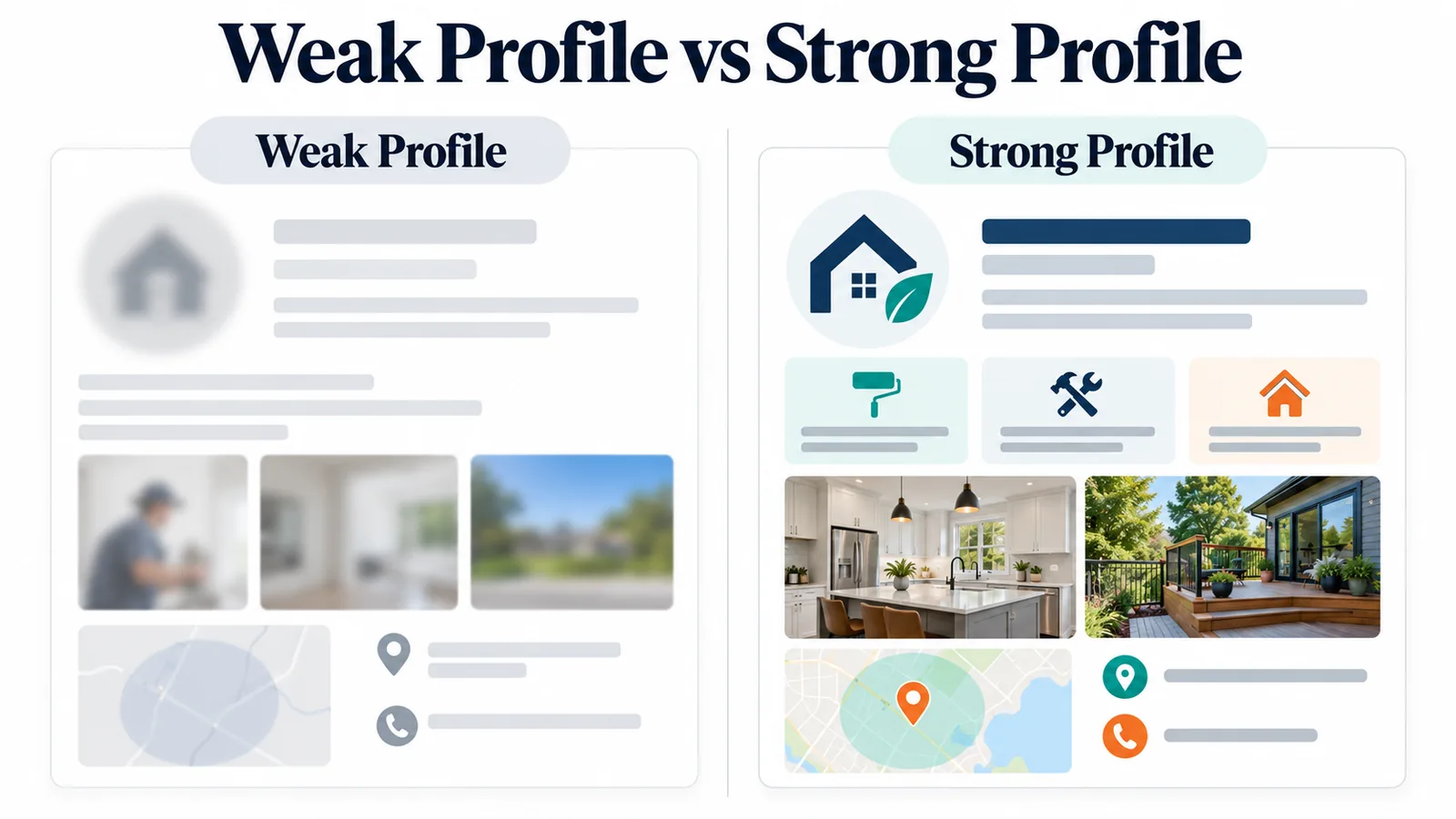
Weak Profile vs Stronger Profile
Imagine two fictional renovation listings. One has a blurred logo, “Best company. High quality. Contact us,” fifteen unrelated services, two stock photos and no useful location. The other uses a legible logo, says it handles kitchens and bathrooms in Ottawa, describes what its service prices cover and shows three permitted photographs of completed work. A customer can ask the second business a more informed question. This example illustrates clarity; it is not a claim that the platform assigns profile scores or preferential placement.
11. Keep the Profile and Your Proposals Consistent
If the page describes luxury kitchen renovations while your service list and proposals focus on unrelated jobs, a customer has to reconcile two stories. Review your public page after changing the work you offer. Update old photographs, remove services that no longer fit and revise your location or phone when it changes. When responding to a request, make the proposal's scope and price consistent with the relevant service card, or explain why this job differs. Dr. Octopus lets a business review opportunities and send proposals; it does not promise that a polished profile will produce more of them. See how customers compare local quotes for the other side of that decision.
Before You Save: A Five-Minute Audit
Open View public page from the business-profile editor and inspect it as a customer would. Ask yourself:
- [ ] Can I tell what the company does within ten seconds?
- [ ] Do the named services match work the team wants to take on?
- [ ] Are the service details and displayed prices accurate for their scope?
- [ ] Do the city, province, contact details and map choice reflect what I intend to show to signed-in and anonymous visitors?
- [ ] Are the logo, header and gallery images sharp, relevant and permitted for use?
- [ ] Do the YouTube links or PDF, if present, open correctly?
- [ ] Is anything outdated or misspelled? Can I read the page comfortably on a phone?
You can make a useful pass in half an hour: spend five minutes correcting name, location and contact details; five rewriting the introduction; five trimming and clarifying services; ten selecting stronger images; and five reviewing the saved page on mobile. If a field is empty because you have no honest content for it, leave it empty until you do.
What to Leave Out
Do not add invented testimonials, statistics, credentials, services you do not offer, competitor names or all-caps claims. Avoid keyword-stuffed paragraphs, outdated promotions and stock photographs presented as completed work. Keep private customer and employee information out of the gallery, PDF and videos. A useful company profile reduces uncertainty by showing the work and terms a customer can actually discuss with you; it cannot guarantee more leads, better search placement or a sale.
Using Dr. Octopus as a Business
New businesses can join as a business. After signing in, use the business profile editor to set the public-page introduction, bio and media, and My services to add the specific offerings you want to show. The current directory requires separate approval and a sufficiently complete profile; material edits can require another review. When your page is available, open View public page and check how it appears in the companies directory. You can then look at matching opportunities and send proposals for relevant requests. Creating an account or editing a profile does not guarantee directory placement or a customer response.